Published October 12, 2026
DesignCraft – Free AI-Built InDesign Alternative: What We Know
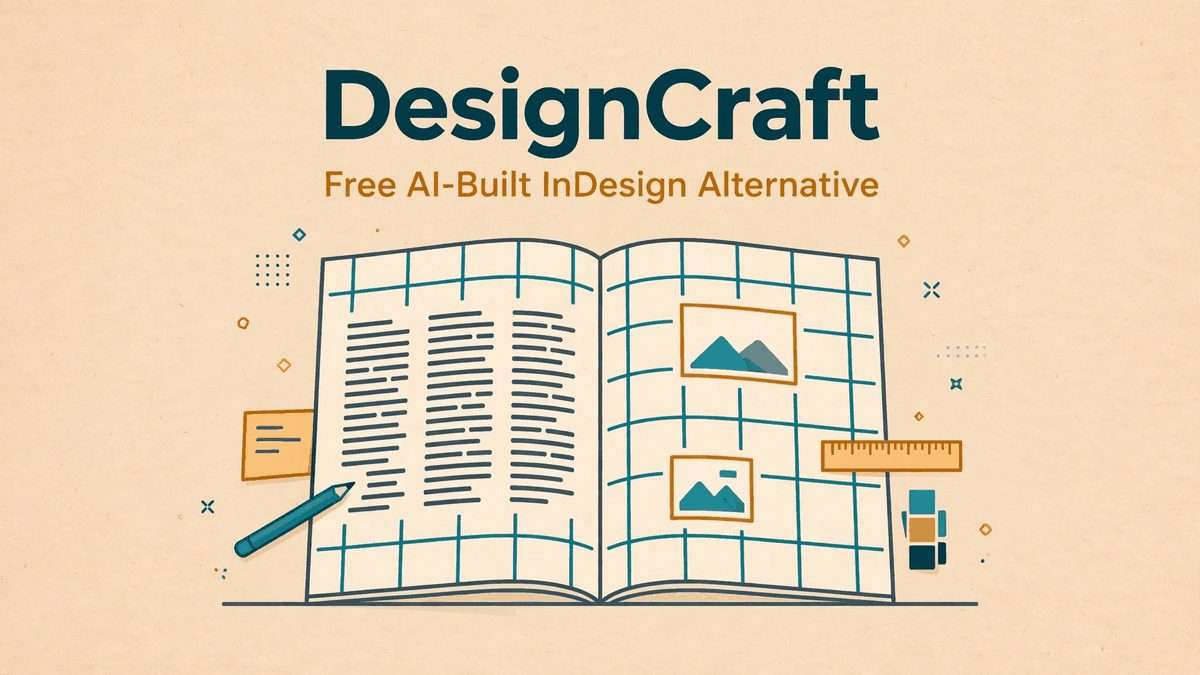
DesignCraft is the free, open-source, AI-built alternative to Adobe InDesign — one of the seven ArtCraft apps. Here is what we honestly know about the page layout tool so far.
Adobe InDesign is the quiet giant of the design world. It lays out magazines, books, brochures, and every PDF you've ever read that actually looked good. It's also locked behind one of the priciest seats in the Creative Cloud subscription. DesignCraft is the free, open-source challenger aiming to replace it — one of the seven vibe-coded ArtCraft apps, written in Rust with help from Claude Opus 5.5, and released alongside the rest of the family on September 30, 2026. This guide covers what DesignCraft is supposed to be, where it stands today, and what we honestly know — and don't know — about it.
What is DesignCraft?
DesignCraft is a page layout and desktop publishing application. Where PhotoCraft handles photo editing and VectorCraft handles illustration, DesignCraft is the app for assembling finished documents: multi-page layouts, text flowing across columns, master pages, styles, and export to print-ready PDF. It's the ArtCraft answer to Adobe InDesign.
The idea is the same one driving the whole ArtCraft project: take the familiar shape of the Adobe tool, rebuild it from scratch as a clean-room reimplementation, and give it away free. No subscription, no cloud login, no feature paywalls. Like its siblings, DesignCraft is open source under MIT/Apache licensing, so anyone can inspect, fork, or improve the code.
DesignCraft's place in the ArtCraft family
ArtCraft launched seven apps at once: FilmCraft for video editing, PhotoCraft for photo editing, VectorCraft for illustration, LightCraft for photo libraries, EffectCraft for motion graphics, PdfCraft for PDFs — and DesignCraft for page layout. Together they're meant to cover the full professional creative workflow without a single Adobe subscription.
Of the seven, DesignCraft is one of the quieter ones. The spotlight so far has gone to PhotoCraft (the Photoshop clone, roughly 23k GitHub stars) and EffectCraft (reportedly the most complete of the bunch). DesignCraft hasn't had the same level of public testing or press coverage, which means less is confirmed about how far along it actually is.
Honest state: what we know so far
Let's be straight: public details about DesignCraft are thin. The ArtCraft team announced the full seven-app lineup together, and DesignCraft ships in the same builds as its siblings — but independent testers and press coverage have focused almost entirely on PhotoCraft, FilmCraft, and EffectCraft. We haven't seen the kind of hands-on reviews for DesignCraft that exist for the photo and video apps.
What we can say: it's real, it's part of the same Rust codebase family, and it's available through the same official channels as the rest of the suite. What we can't responsibly tell you yet: a feature-by-feature comparison with InDesign, real-world stability, or how it handles complex documents. If you see anyone claiming detailed DesignCraft benchmarks right now, treat it with skepticism — the app simply hasn't been in enough hands.
That's normal for a project this young. The ArtCraft apps went from idea to public release in a matter of weeks, and the team has been shipping rapid updates since launch. DesignCraft is worth watching precisely because the family is moving fast. We'll update this post as real testing data appears; our ArtCraft updates page tracks releases across all seven apps.
Who is DesignCraft for?
Right now, DesignCraft is for the curious: layout nerds, open-source enthusiasts, and anyone who resents paying a monthly fee for software they open twice a year. If you make zines, newsletters, simple brochures, or multi-page PDFs and want a free tool that speaks the visual language of InDesign, DesignCraft is worth trying — with the understanding that it's early.
It's not yet for print professionals on deadline. If your livelihood depends on prepress-perfect output, color management, and rock-solid stability, InDesign (or the mature open-source Scribus) remains the safer bet until DesignCraft proves itself. Check back as the app matures.
Where to get DesignCraft
DesignCraft is distributed with the rest of the ArtCraft suite. Get it from the official project hub at getartcraft.com/apps, which links the builds for Windows, macOS, and Linux. The source code lives on GitHub under the storytold organization. As with all seven apps: download only from these official sources, never from re-upload sites or "cracked" copies — the apps are already free, so any paid or shady download is a scam or malware.
DesignCraft FAQ
Is DesignCraft really free?
Yes. Like all ArtCraft apps, it's free and open source — no subscription, no trial timer, no locked features.
Can DesignCraft open InDesign files?
Not confirmed. The ArtCraft project aims for compatibility with public file specs (PhotoCraft reads PSD files, for example), but InDesign's format is proprietary and complex. Don't count on it yet.
Is DesignCraft better than Scribus?
Too early to say. Scribus is the established free desktop publishing app with decades of development; DesignCraft is weeks old. DesignCraft's advantage is a modern codebase and a familiar Adobe-like interface — its disadvantage is maturity.
Will Adobe shut it down?
The project describes itself as a clean-room reimplementation — built from public documentation and observed behavior, with no Adobe code copied. Whether that holds up legally is for lawyers, but the team has been open about the approach from day one.
DesignCraft is the least-tested member of the ArtCraft family today — but it's also the one with the clearest runway. Page layout is a slower-moving target than photo or video editing, and a free, modern InDesign alternative is something designers have wanted for years. Try it, keep expectations honest, and watch this space: the ArtCraft story is still being written.