ArtCraft – Free Vibe-Coded Adobe Suite Alternative (7 Apps) - Discussions
Join the conversation and discuss our latest updates and resources.
Author
Ji-hoon Park
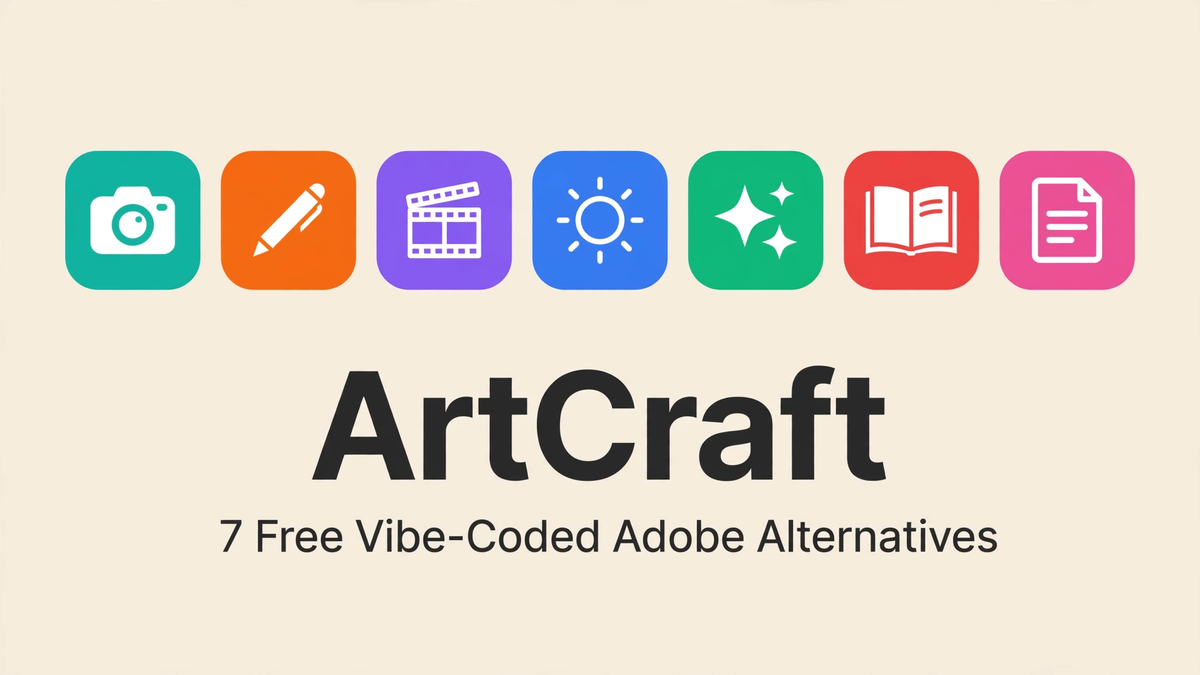
ArtCraft is a free, open-source suite of seven creative apps built as direct replacements for Adobe's biggest tools — Photoshop, Illustrator, Premiere Pro, Lightroom, After Effects, InDesign, and Acrobat. It was vibe-coded by developer Brandon Thomas (known online as storytold) using Claude Opus 5.5 AI agents, written in Rust, and released on September 30, 2026. There is no subscription, no trial period, and no paywall: every app is free under MIT/Apache open-source licenses. If you have ever wished Adobe Creative Cloud did not cost hundreds of dollars a year, ArtCraft is the project to watch.
That said, honesty matters here. ArtCraft is young. Some of its apps are genuinely usable today, while others are early alphas with real gaps. This guide covers all seven apps, what each one replaces, how finished each one actually is, and how to download them — with no hype and no pretending.
ArtCraft at a glance
- What it is: 7 free creative apps replacing 7 Adobe apps
- Built by: Brandon Thomas (storytold), vibe-coded with Claude Opus 5.5 agents
- Written in: Rust
- Released: September 30, 2026
- Price: Free, forever — MIT/Apache open-source licenses
- Official site: getartcraft.com · Source code: github.com/storytold
- Most complete app: EffectCraft (~94%) · Least complete: PrintCraft (~35%)
The story: vibe-coded over a weekend
"Vibe coding" means building software by describing what you want to an AI and letting it write the code, with the human steering direction, reviewing output, and fixing what breaks. Brandon Thomas took that approach to an extreme: he set Claude Opus 5.5 coding agents loose on the goal of reimplementing Adobe's core creative tools from scratch, in Rust, as clean-room implementations — meaning no Adobe code, no Adobe assets, just the same ideas rebuilt independently.
The result was ArtCraft: not one app, but a whole suite, released together on September 30, 2026. The story blew up because of the sheer audacity of it — one developer plus AI agents shipping in weeks what normally takes large teams years. Whether every app is production-ready is a different question (see the honest status notes below), but as a demonstration of what AI-assisted development can do, it is hard to ignore.
All 7 ArtCraft apps, with honest status notes
1. PhotoCraft — the Photoshop replacement
PhotoCraft is ArtCraft's answer to Photoshop: layers, selections, brushes, filters, and common retouching tools. It is currently in early alpha, with reports putting it around 65% pixel accuracy compared to Photoshop's rendering — meaning complex files and precise color work can still come out wrong. Fine for learning and simple edits; not yet a Photoshop replacement for professional work. We have a full deep-dive on this one: read the PhotoCraft guide on photocraft01.online for the detailed breakdown.
2. VectorCraft — the Illustrator replacement
VectorCraft takes on Illustrator: vector drawing, bezier paths, shapes, and typography tools. It is in active early development. The core drawing tools work, but advanced features like complex path operations, gradient meshes, and full SVG fidelity are still being built out. Good enough to experiment with; working designers will still hit missing features.
3. FilmCraft — the Premiere Pro replacement
FilmCraft is the video editor of the suite, aimed at Premiere Pro users. At roughly 85% complete, it is one of the two most finished apps in the suite. Timeline editing, cuts, transitions, and basic color work are in place. If you edit straightforward videos — YouTube content, clips, short films — FilmCraft is already worth trying. Heavy effects work and complex timelines are where you will still feel the gap.
4. LightCraft — the Lightroom replacement
LightCraft covers photo management and raw-style editing, the Lightroom slot. It is in early-to-mid development: cataloging and basic adjustments work, while advanced develop-module features and full raw camera support are still catching up. Hobbyist photographers can try it now; professionals with big catalogs should wait.
5. EffectCraft — the After Effects replacement
EffectCraft is the standout of the suite at roughly 94% complete — the closest to a finished product. It handles motion graphics, compositing, and visual effects in the After Effects mold. If you only try one ArtCraft app today, make it this one. The remaining few percent covers edge-case effects and performance polish rather than missing core features.
6. DesignCraft — the InDesign replacement
DesignCraft targets InDesign: page layout, multi-page documents, and print-style publishing tools. It is in early development with the basics of layout working. Long-document features, master pages polish, and prepress-level output still need work. Promising for simple layouts; not ready for professional publishing yet.
7. PrintCraft (PdfCraft) — the Acrobat replacement
PrintCraft, also referred to as PdfCraft, is the PDF tool of the suite and the least finished at roughly 35% complete — it does not have a full PDF renderer yet. Basic PDF handling is the current ceiling. This is the one app in the suite that is clearly not ready for real use; treat it as a preview of intent rather than a tool.
How to download ArtCraft
Every ArtCraft app is free to download from the official site. Go to getartcraft.com/apps to get the apps, or browse the source code at github.com/storytold if you want to see how they are built or contribute. Because the project is open source, there are no license keys, no accounts required, and no feature tiers — what you download is the whole thing. Our download page has the same official links in one place.
ArtCraft vs Adobe Creative Cloud: the price gap
This is the core of ArtCraft's appeal. Adobe Creative Cloud's full plan costs roughly $60 per month — over $700 a year, every year, forever, and the software stops working if you stop paying. ArtCraft costs $0. Total. Forever.
The honest trade-off: Adobe's apps are mature, polished, and deeply integrated after decades of development. ArtCraft's apps range from nearly finished (EffectCraft) to barely started (PrintCraft). You are trading polish and completeness for freedom and price. For students, hobbyists, and anyone priced out of Adobe's subscription, that trade is already worth making for the finished apps — and the rest of the suite is catching up in public, with every improvement visible in the open-source repos.
A note on legality
ArtCraft is described as a set of clean-room reimplementations: the apps were written from scratch without using Adobe's code or assets, and they are released under MIT/Apache open-source licenses. Reimplementing the functionality of software — as opposed to copying its code — is an established practice in open source. ArtCraft does not claim any affiliation with Adobe.
Frequently asked questions
Is ArtCraft really free?
Yes. All seven apps are free and open source under MIT/Apache licenses. No subscription, no trial, no locked features.
Which ArtCraft app should I try first?
EffectCraft (~94% complete) is the most finished, followed by FilmCraft (~85%). Those two give the best first impression of what the suite can do.
Can ArtCraft open my Photoshop or Premiere files?
Support for Adobe file formats is partial and varies by app. Simple files often open; complex projects with advanced features may not translate cleanly yet. Keep backups and test before migrating real work.
What platforms does ArtCraft run on?
Being Rust-based and open source, the apps target major desktop platforms. Check getartcraft.com/apps for the current builds available for your system.
Is it legal to use ArtCraft instead of Adobe?
ArtCraft is a clean-room, open-source reimplementation released under MIT/Apache licenses — using it is as legal as using any open-source software. It is not affiliated with Adobe.
Who made ArtCraft?
Brandon Thomas, known online as storytold, built the suite using Claude Opus 5.5 AI agents — the "vibe-coded" approach that made the project famous. The code is public on GitHub.
The bottom line
ArtCraft is the most ambitious free creative suite to appear in years: seven apps, zero dollars, built in the open by one developer and a fleet of AI agents. EffectCraft and FilmCraft are already genuinely useful; the rest range from promising to very early. If Adobe's subscription has ever felt like a tax on your creativity, ArtCraft deserves a download — just go in with honest expectations, app by app, and watch the repos. This suite is only getting better.
Ji-hoon Park
Original Post
No discussions yet. Be the first to start!